
 Pictailor batch image resizer for Mac
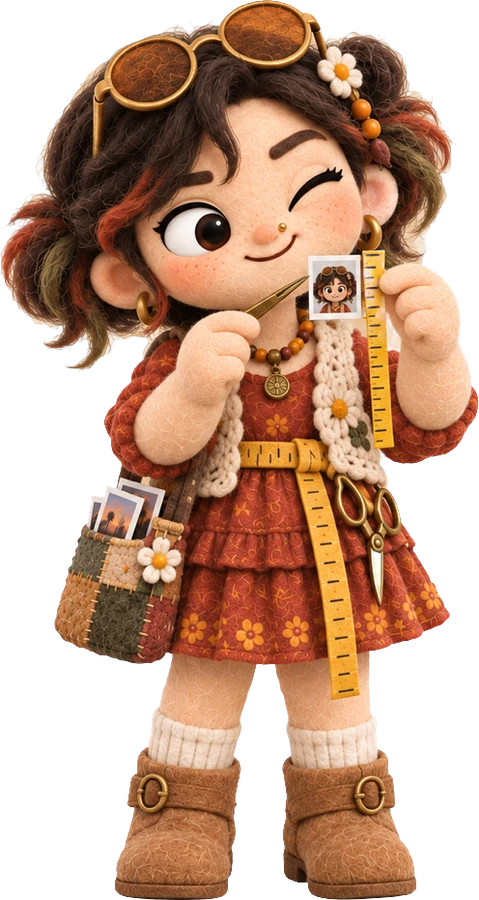
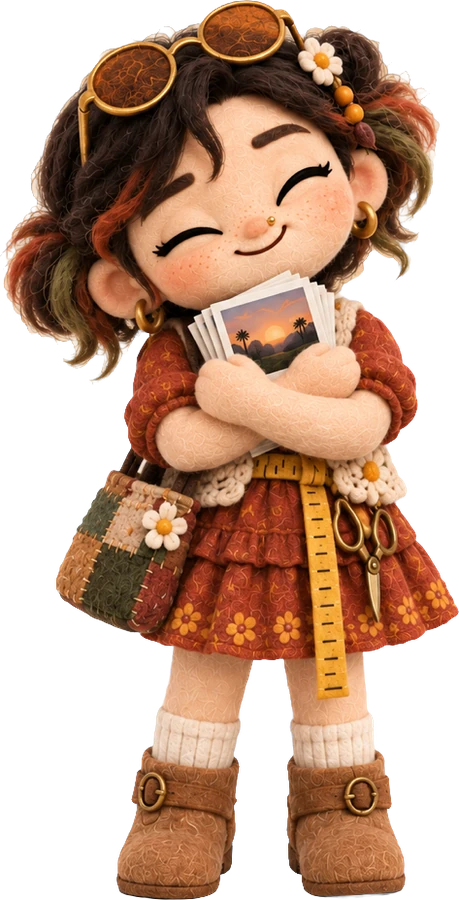
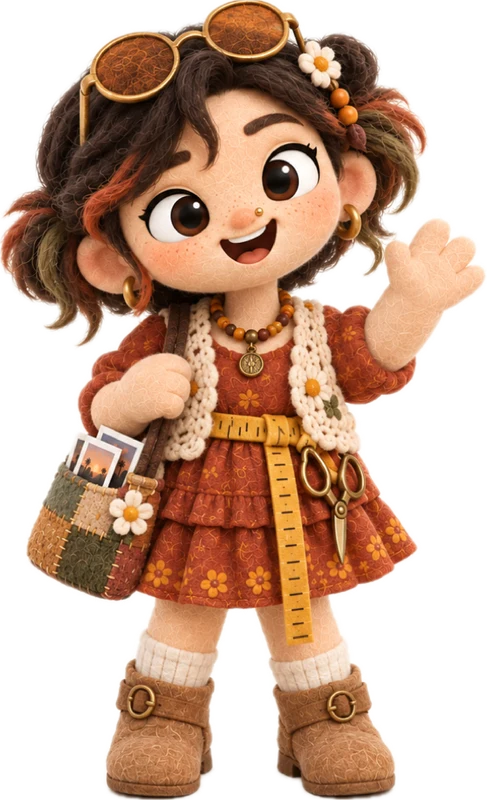
Too big? She tailors it.
Batch resize, crop and compress photos on your Mac. Right-click in Finder and get the exact size, a whole folder at once.
 4032 px · 8.1 MB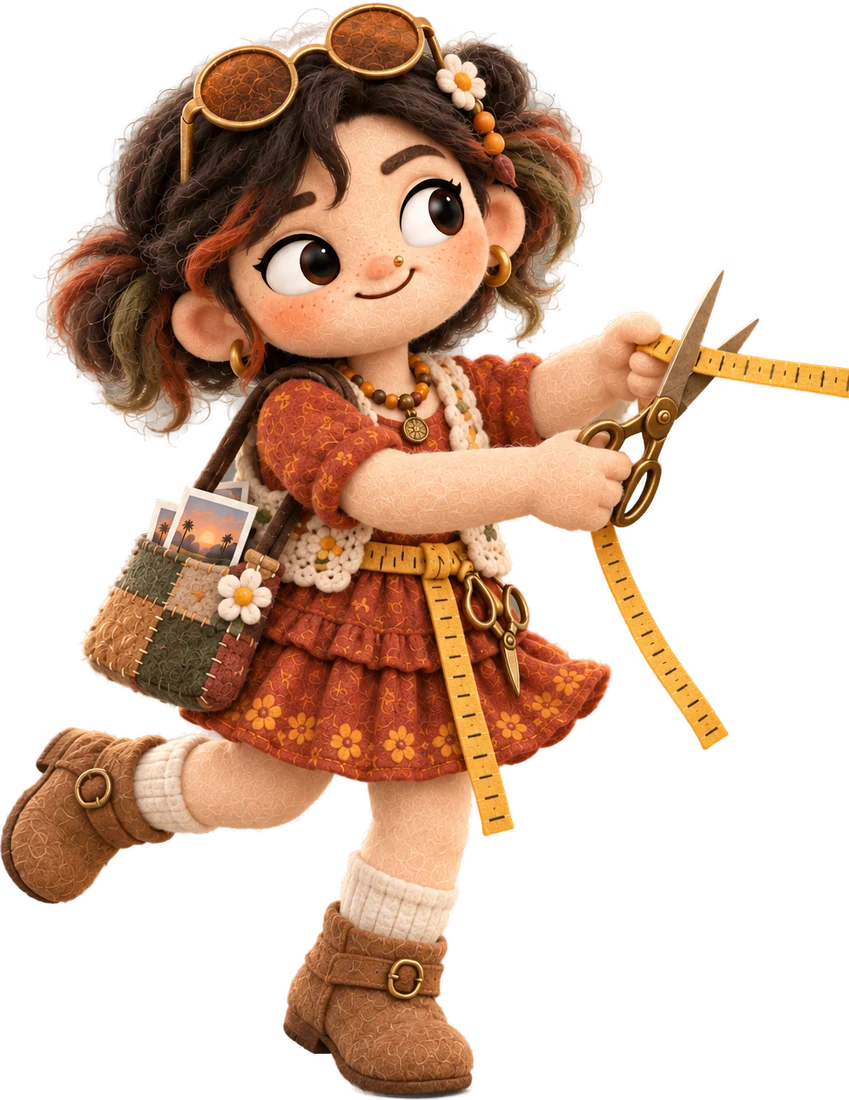
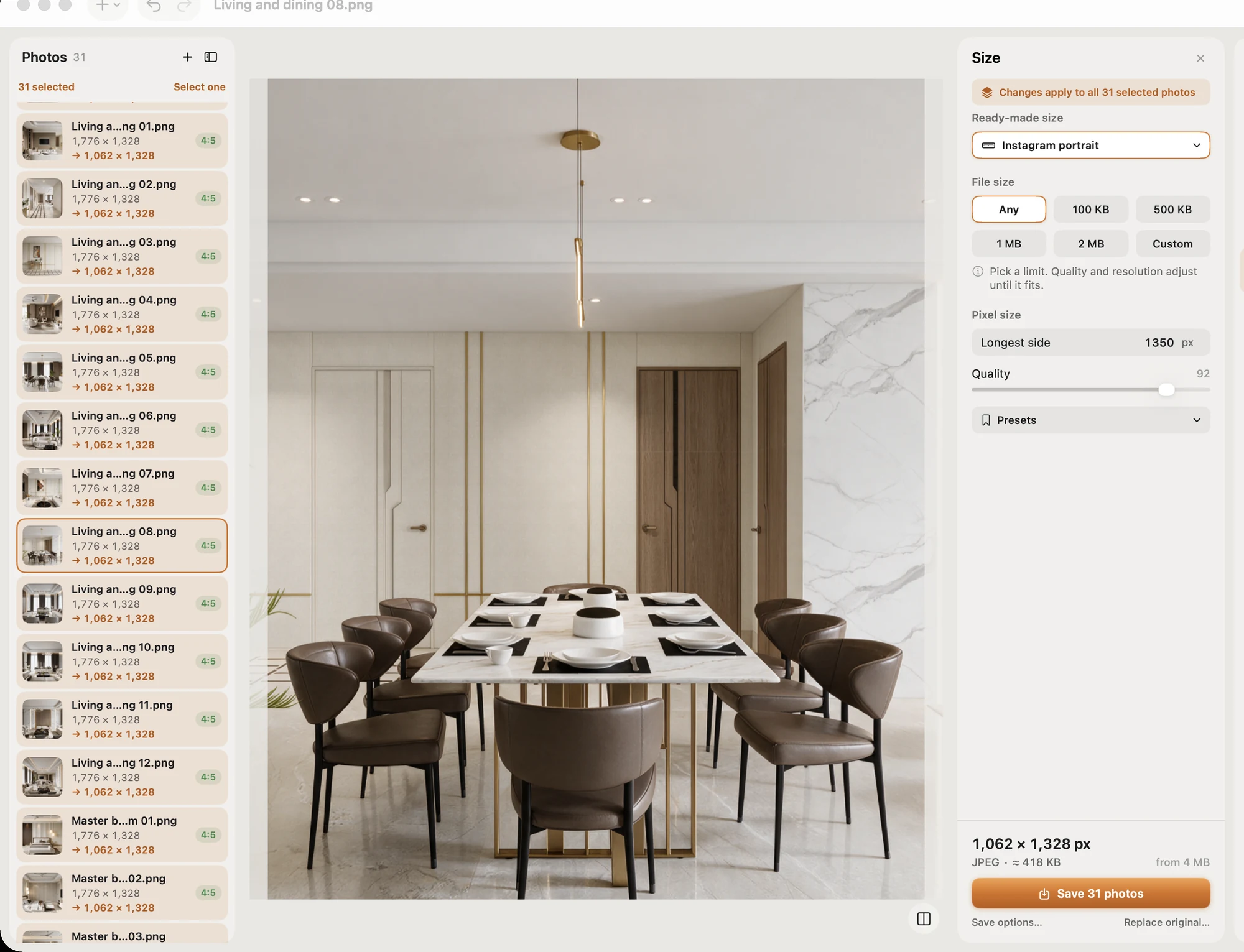
Thirty photos. One Save.
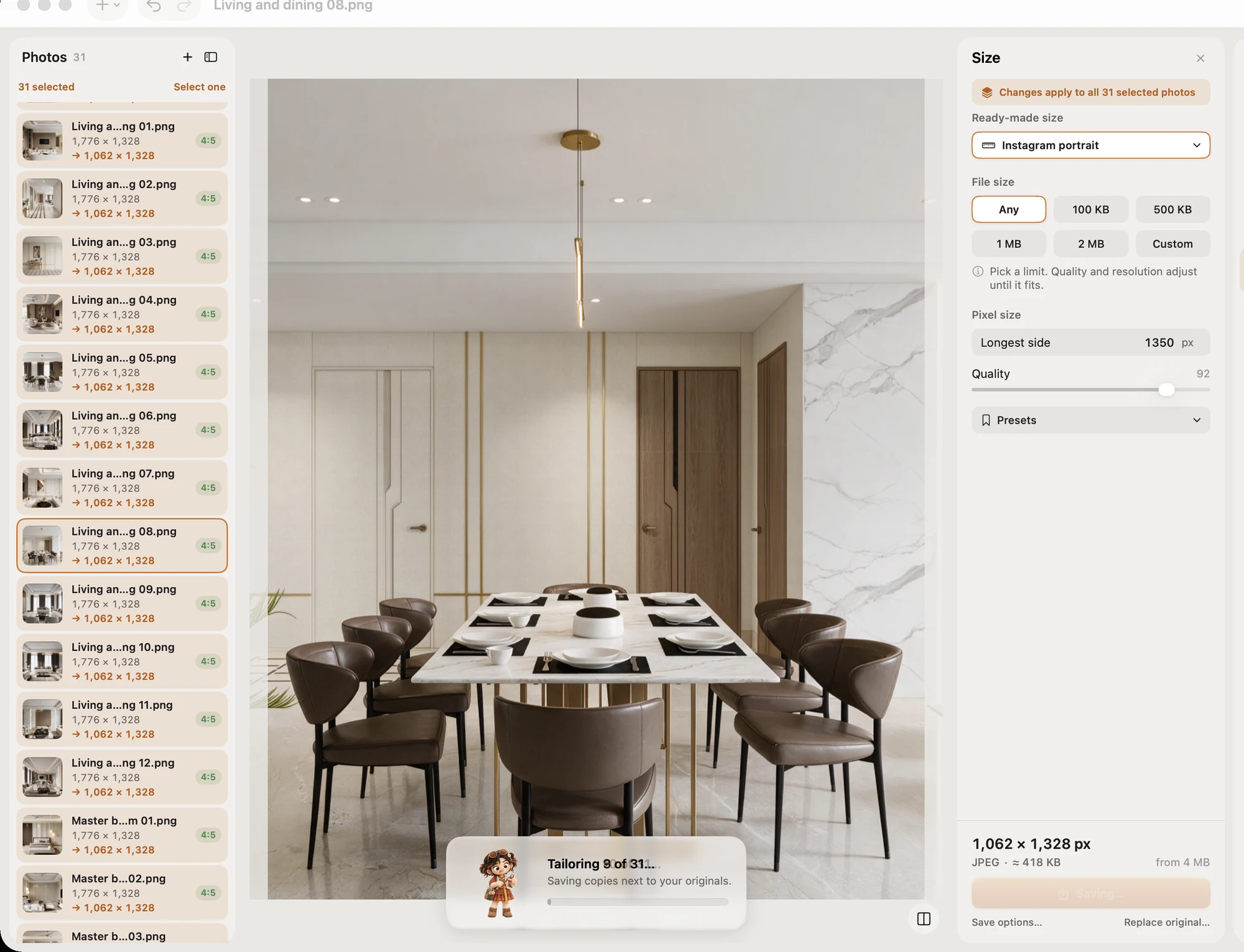
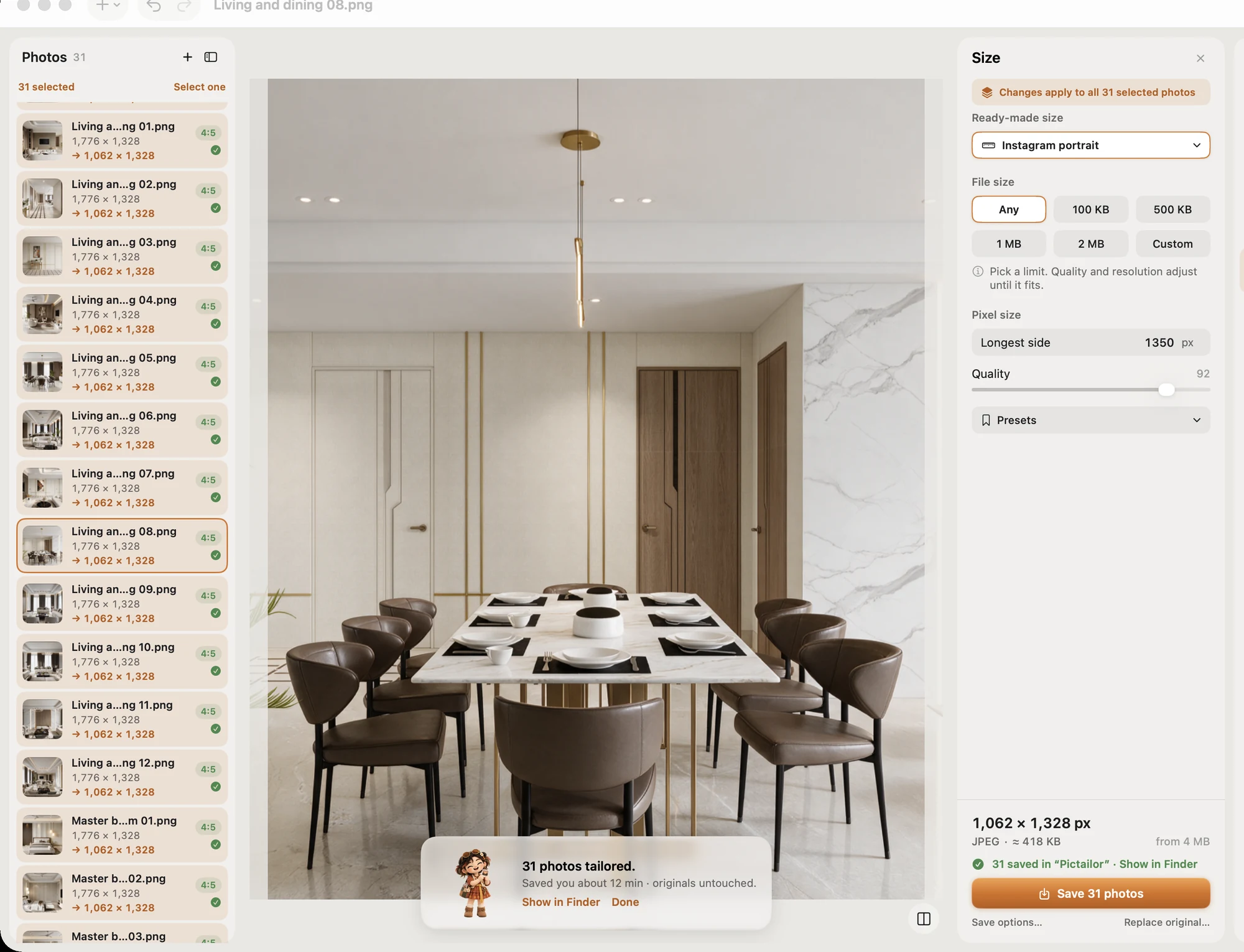
Batch resize thirty photos at once: select them all, pick a size, press Save.
Under 500 KB. Every time.
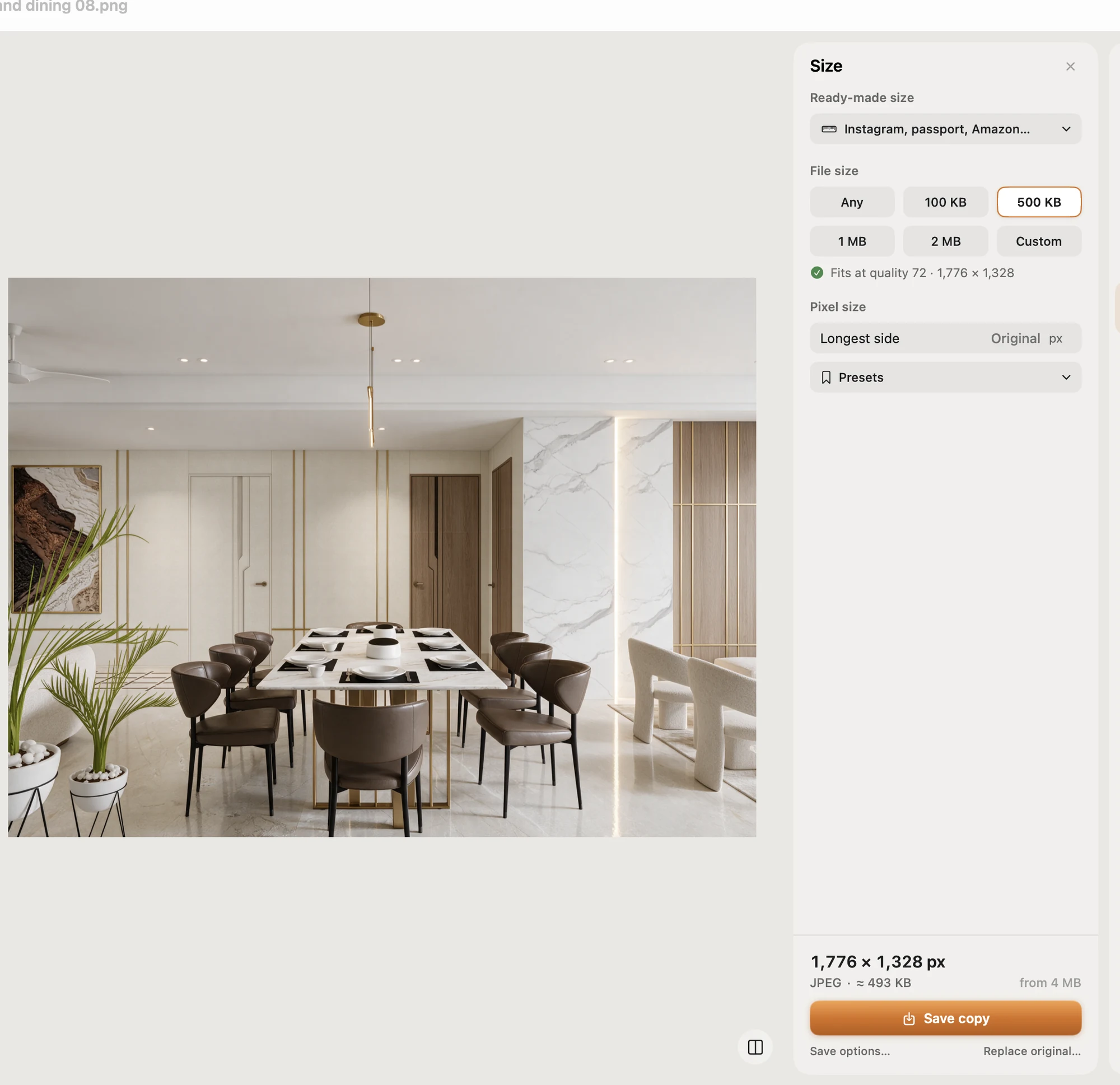
Compress a photo to under 500 KB, or any limit. She checks the real file size before she hands it back.

Passport. Visa. Exam.
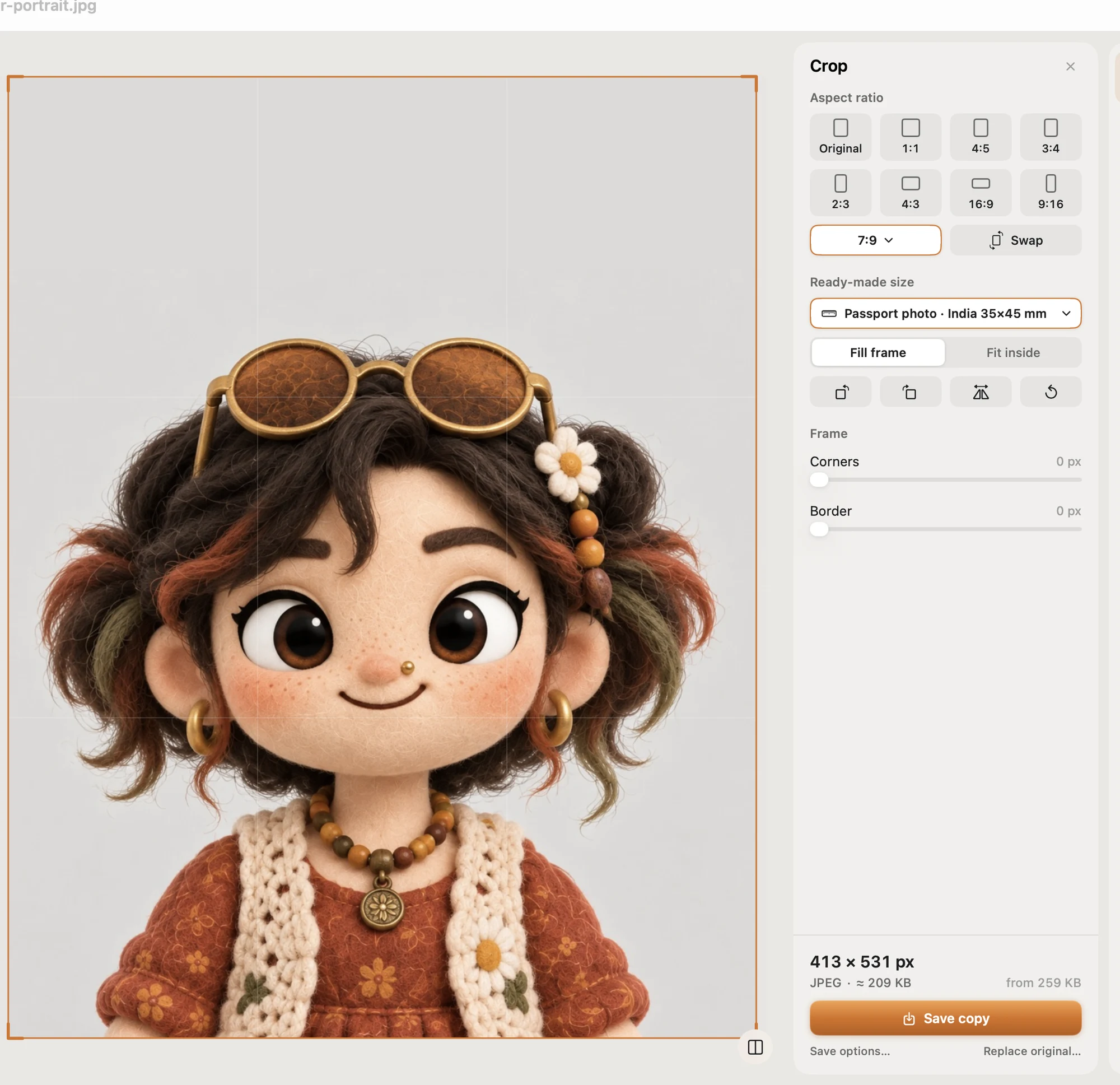
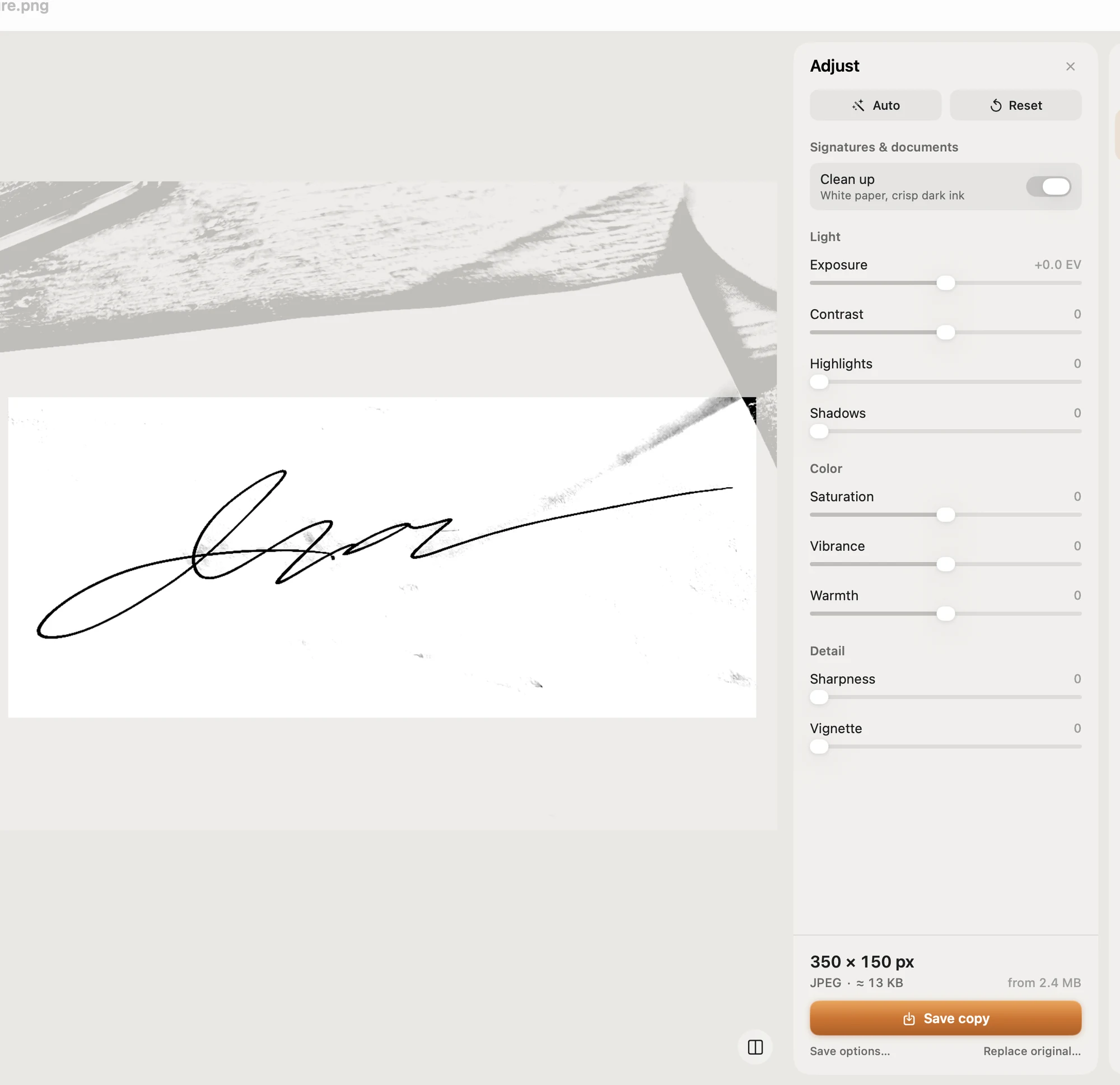
Passport photos in 35 × 45 mm, visa photos, 20 KB signatures for exam forms, on white. The fussy sizes, ready.
Shop-ready. In one pass.
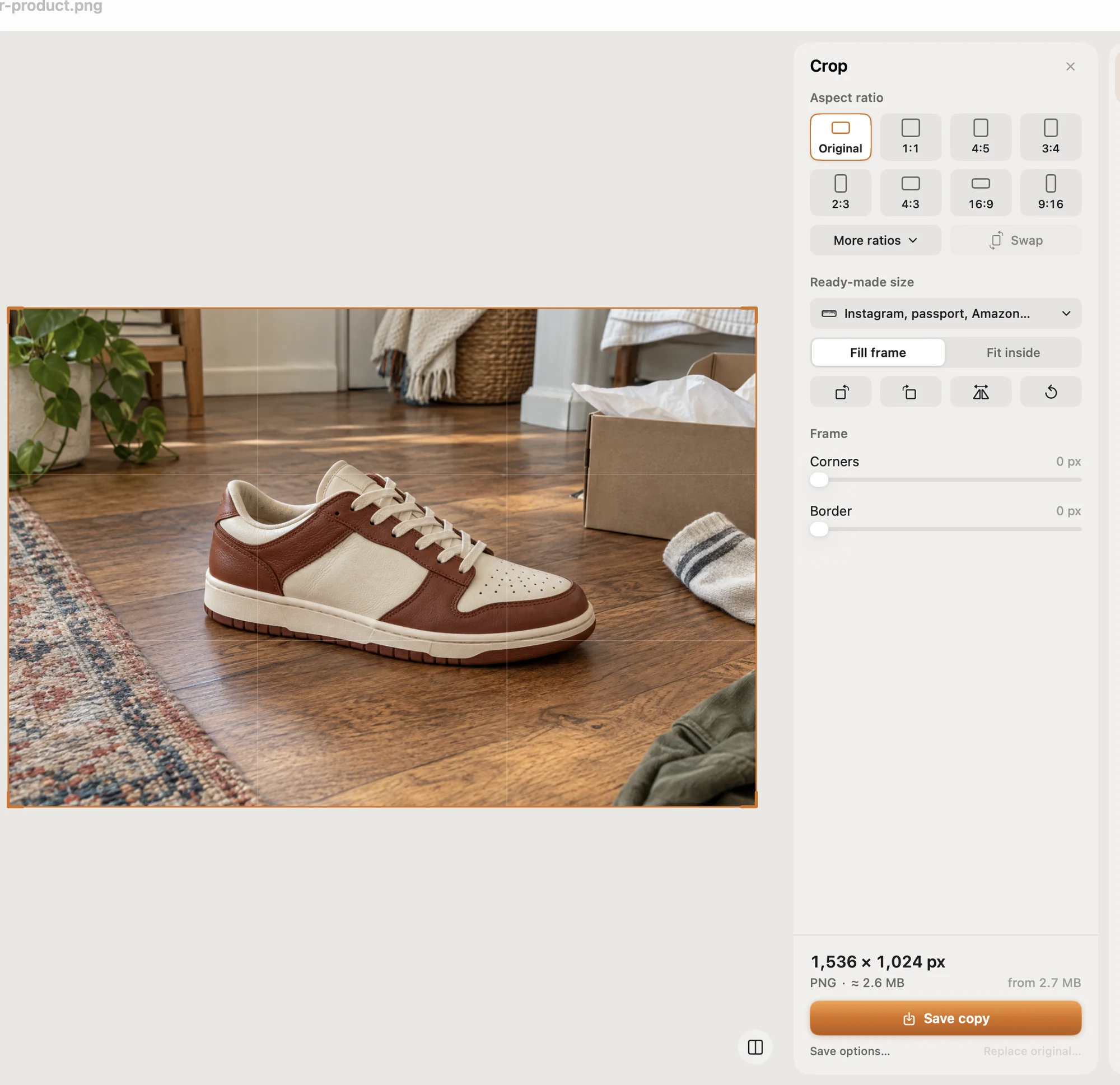
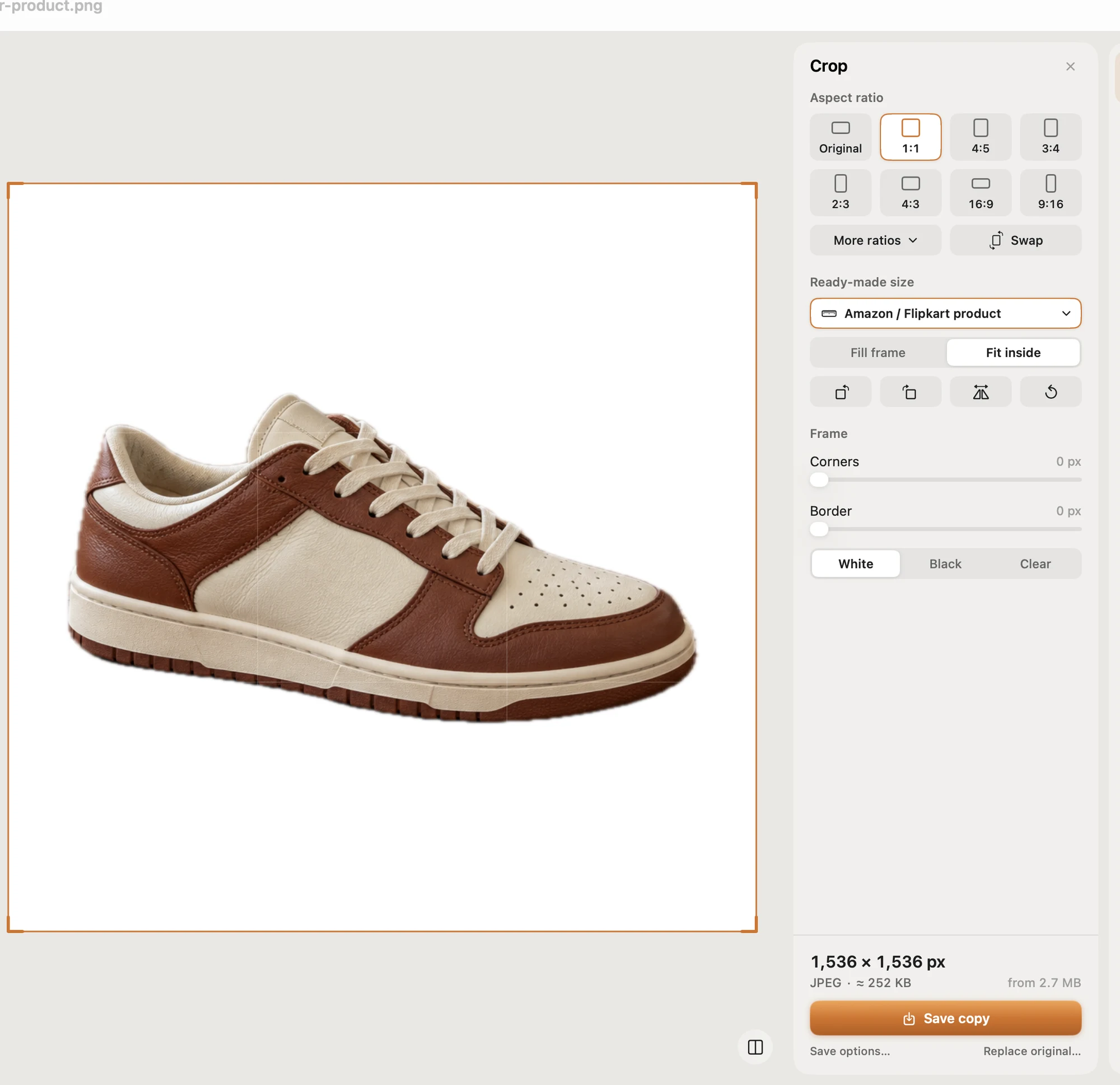
Product photos cut onto a white background, centred and square, for Amazon, Etsy and Shopify.
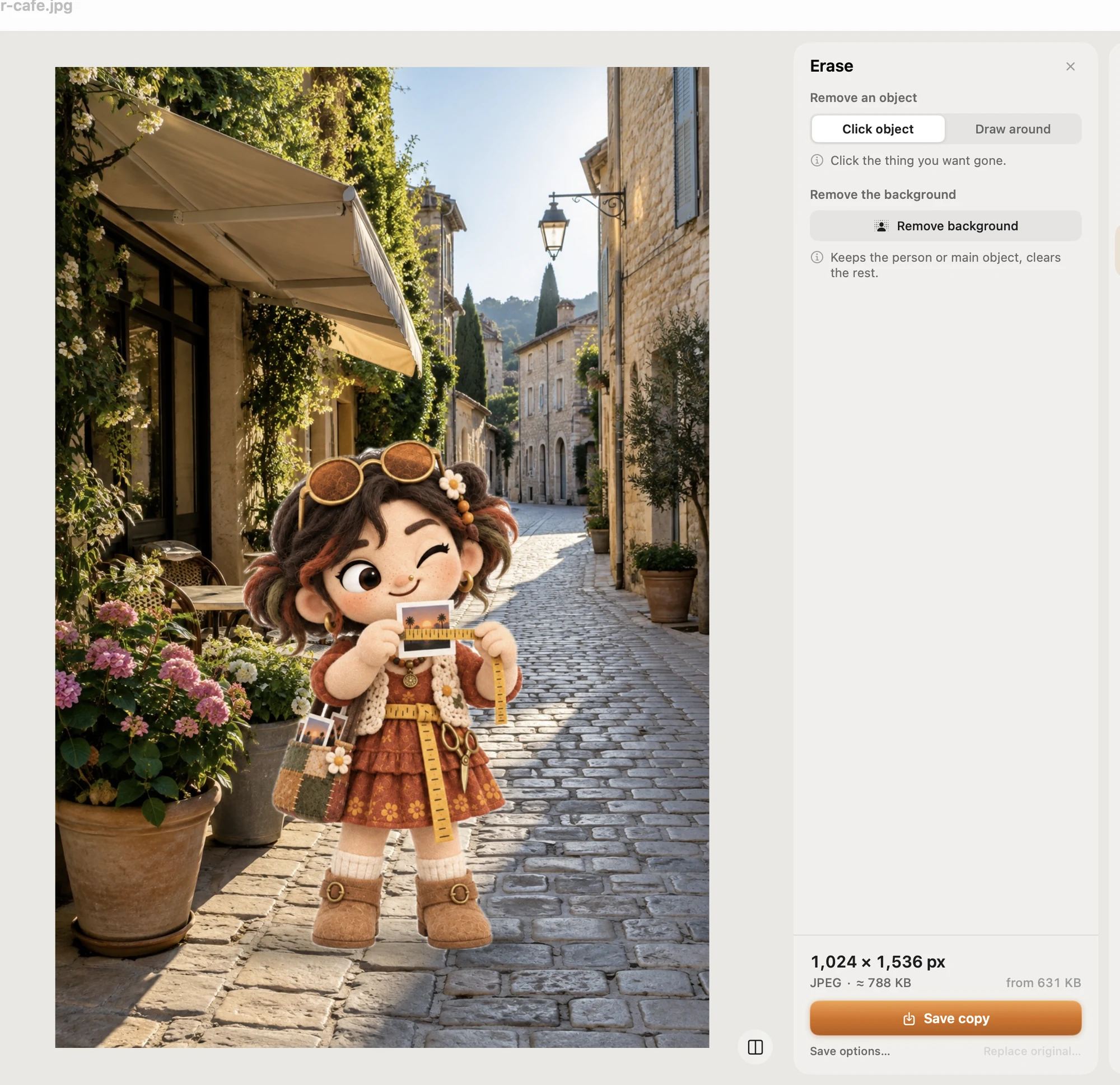
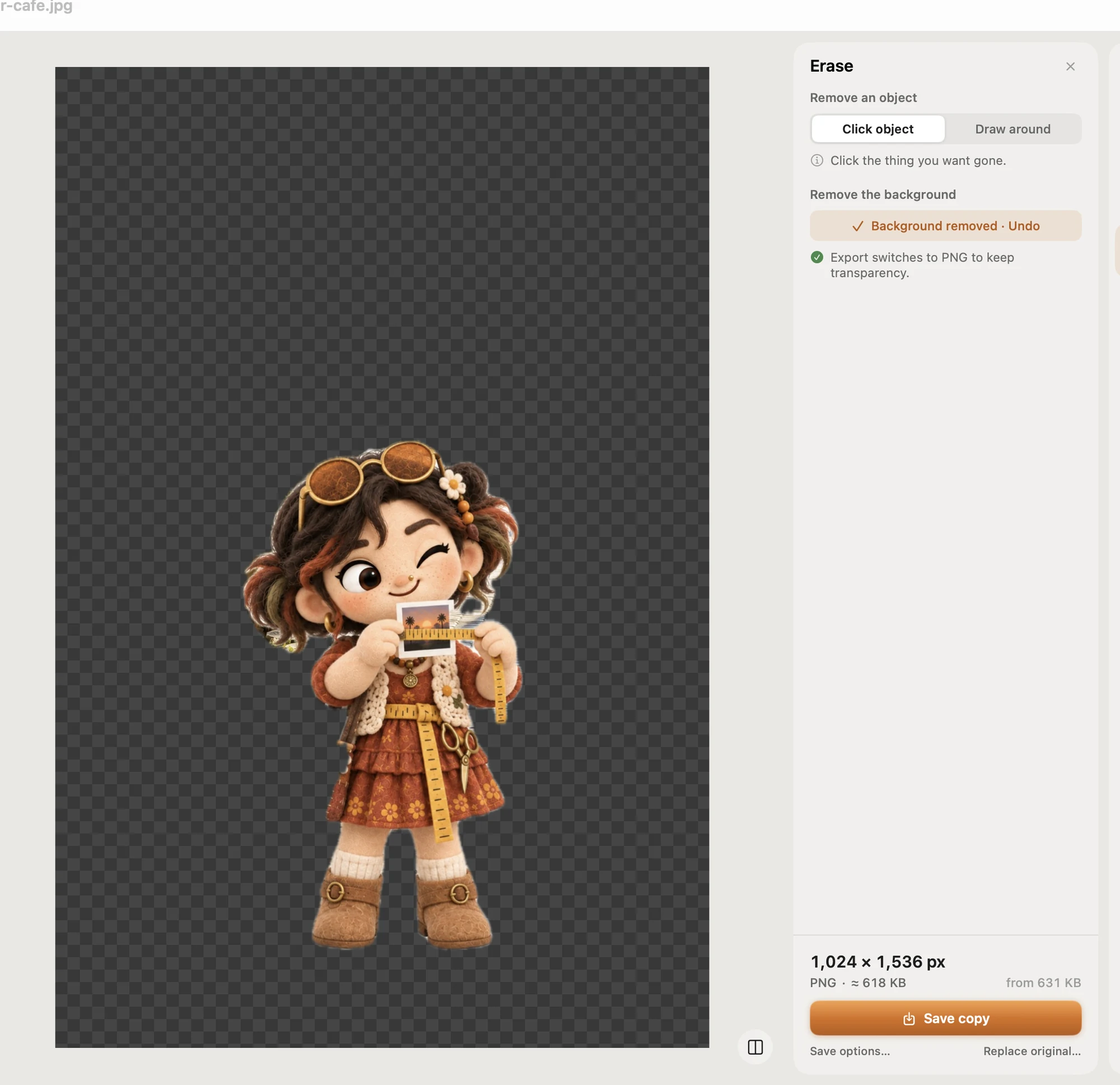
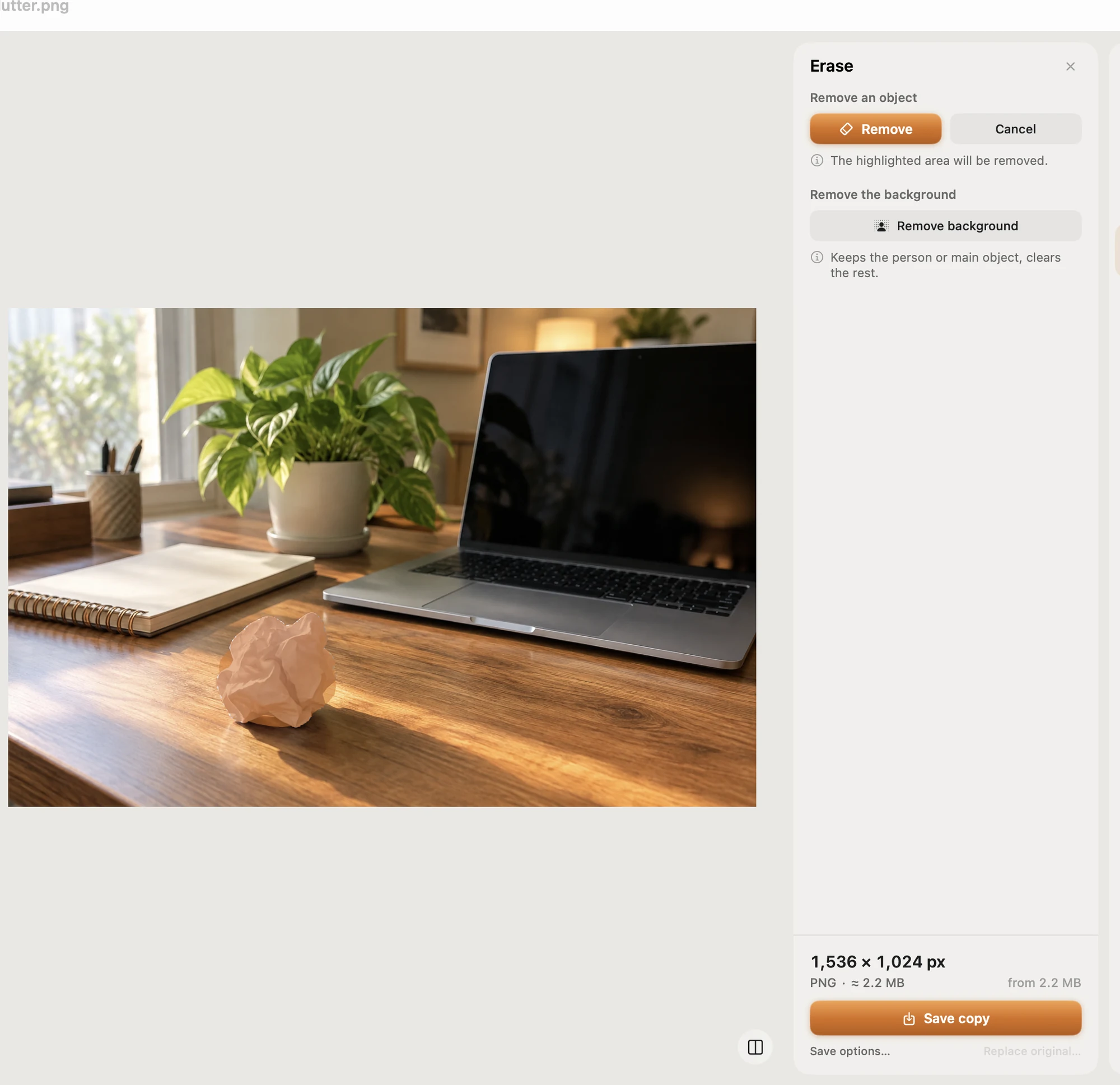
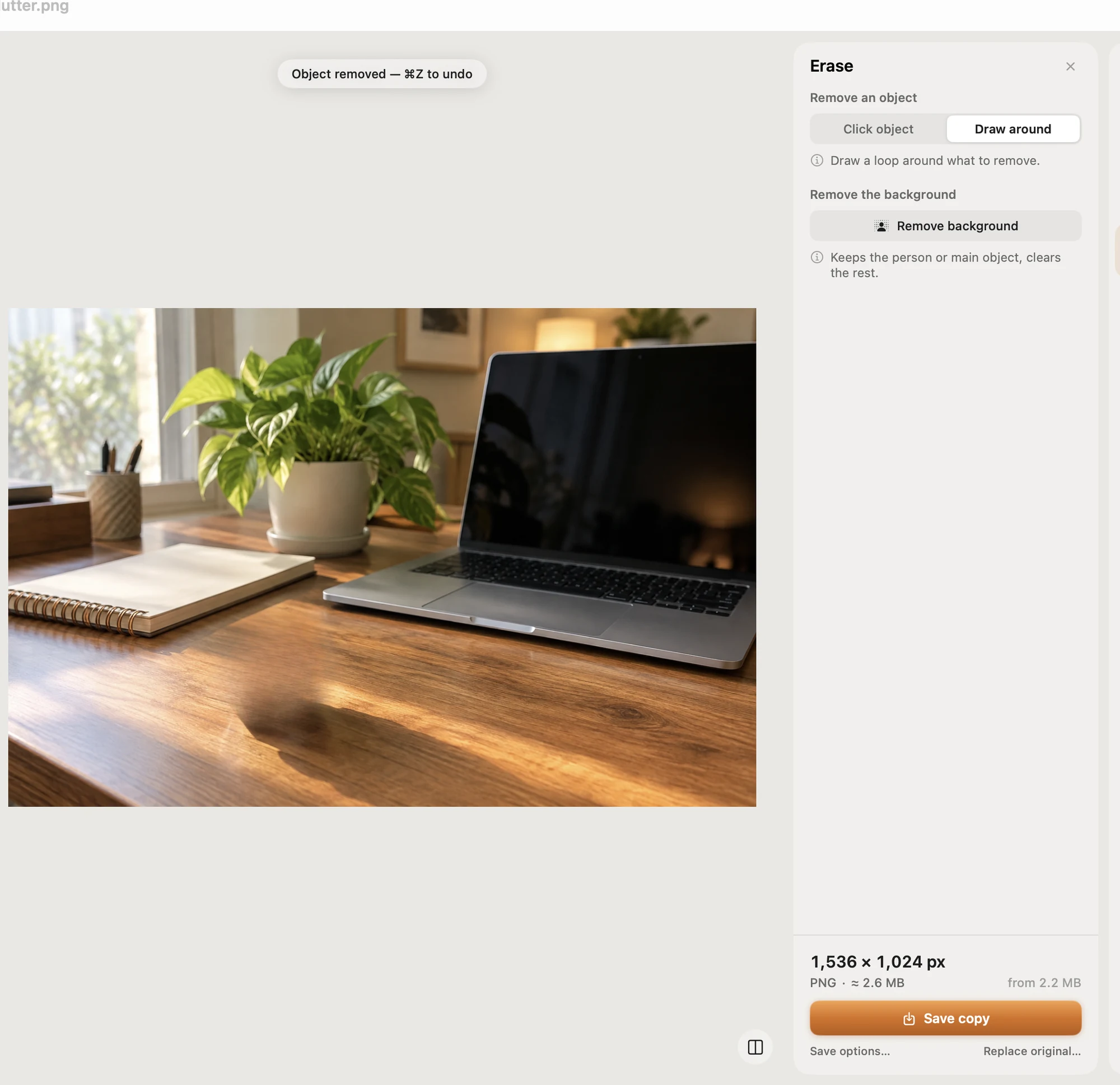
Little clutter? Gone.
Remove small objects, or the whole background, from a photo. All on your Mac.
Right-click. Right size.
Resize from the Finder right-click menu. No window to open; the copies land next to your originals.
- Open
- Get Info
- Share…
- Services
- Pictailor: Instagram size
- Pictailor: Under 500 KB
- Pictailor: Web & email size
- Pictailor: Convert to JPEG
- Open in Pictailor
Your photos stay home.
Everything happens on your Mac. Nothing is uploaded. No account.
Certificate of adoption
Adopt Pictailor.
Founding licence # of 50 · launch price
Adopt Pictailor ·Works offline, on your Mac · macOS 15+ · Lost your key?

Also in the family

Copied it? He's kept it.
Pictailor's big brother lives at the edge of your screen and keeps everything you copy. Click a copy and it pastes.
- Text, links, images and colours, all saved
- Same copies on your other Mac, via your iCloud
- Tidies screenshots, stops Music popping up