Guides › Photos for forms
Schengen visa photo size, and how to check and print yours on a Mac
Updated 20 October 2026 · by Vistaar Studio
Short answer: a Schengen visa photo is 35 × 45 mm (3.5 × 4.5 cm), in colour, with your face (chin to top of head) filling 70–80% of the height, 32–36 mm, centred, against a plain light background. It must be recent and not digitally altered. On a Mac, crop it to a 7:9 shape in Preview, set the size to 3.5 × 4.5 cm, and print at 100%.
All Schengen countries ask for a passport-style biometric photo, and the size is the same everywhere: 35 × 45 mm. The details that get photos rejected (how big the face is, the background, how recent it is) come from each country's mission, so the rules below are taken from German missions' own pages, including the checklist the German consulates in India give applicants who apply through VFS. If you're applying to another country, open its checklist too; the core is the same, but the age limit and background colour can differ.
The rules at a glance
| Rule | What it means |
|---|---|
| Size | 35 mm wide × 45 mm high, no border or frame |
| Face size | Chin to crown 32–36 mm (70–80% of the height), never under 32 mm; face centred |
| Background | One plain, light colour with no pattern and no shadows. Germany's India checklist says white; German sample sheets also accept light grey |
| How recent | Germany (India checklist): not older than 6 months. Germany (Doha): 3 months. Taken within 3 months covers both |
| Expression | Neutral, mouth closed, looking straight at the camera, head not tilted or turned |
| Eyes and glasses | Eyes open and clearly visible; no tinted glasses, no reflections, frames not over the eyes. Simplest: take glasses off |
| Headwear | Not allowed, except for reasons such as religion; then the face must show from chin to forehead |
| Quality | Colour, sharp, evenly lit, no red eye, printed on good photo paper (600 dpi or better), no creases |
| Editing | Not digitally altered. Cropping and resizing are fine; changing the background or retouching is not |
Bring two prints if you can. The checklists ask for one; a spare costs nothing and saves a trip if the first one is damaged. Don't stick or staple the photo to the form unless the visa centre tells you to.
1. Take a photo that will pass
Most rejections come from the photo itself, not the size, so get this right before you open the Mac:
- Stand about half a metre in front of a plain white or very light wall, not right against it, so you don't cast a shadow on it.
- Face a window or have even light on both sides of your face. No flash straight on.
- Ask someone else to take it, with the phone at your eye level, about 1.5 metres away. Selfies distort faces and are hard to keep straight.
- Leave space above your head and below your chin. You'll crop later; you can't add what isn't there.
Because the photo mustn't be digitally altered, a busy background can't be fixed afterwards. Background-removal tools (including the one in Preview, and the one in our own app) are the wrong tool for visa photos. Retake it against a plain wall instead.
2. Crop it to 35 × 45 in Preview
35:45 is the same shape as 7:9, so any crop in that ratio will print at exactly 35 × 45 mm.
- Duplicate the photo first (File › Duplicate in Preview, or ⌘ D in the Finder) so the original stays untouched.
- Open the copy in Preview, then choose Tools › Rectangular Selection.
- Drag a box from just above your hair to below your chin, centred on your face. Preview shows the size of the selection as you drag; aim for a height about 1.3 times the width. For a 900-pixel-wide box, that's about 1,157 pixels tall (900 × 9 ÷ 7).
- Check the face: from chin to the top of your head should be 70–80% of the box height. In a 1,157-pixel-tall box, that's about 810–925 pixels.
- Press ⌘ K (Tools › Crop).
Don't worry if the box isn't exactly 7:9 by a few pixels; the next step will make it exact, but a big mismatch would stretch your face, so keep it close.
3. Set it to 35 × 45 mm (and the right pixels)
- In Preview choose Tools › Adjust Size.
- Set the unit to cm, untick Scale proportionally, and type width 3.5 and height 4.5.
- Set Resolution to 600 pixels/inch. Preview shows the result as about 827 × 1063 pixels.
- Click OK, then File › Export as JPEG at high quality.
Why 600? The German biometric photo guidance asks for prints at 600 dpi or better, and at 600 dpi a 35 × 45 mm photo is 827 × 1063 pixels. At 300 dpi it would be 413 × 531, which many photo labs accept, but starting larger gives the printer more to work with. If your crop is smaller than 827 pixels wide, Preview will scale it up; that won't add detail, so start from a decent phone photo.
If you like the Terminal, sips does the resize in one line once the crop is already 7:9 (we tested it on macOS 26.2):
sips -z 1063 827 cropped.jpg --out visa-photo.jpg-z takes height first, then width, and sets the exact size, stretching if the shape is off. That's why the crop has to be right first.
4. Print it at exactly 35 × 45 mm
The size only comes out right if the printer doesn't "fit" the photo to the paper:
- At home: open the photo in Preview, press ⌘ P, and set Scale to 100% (not "Scale to Fit"). Use glossy or matte photo paper and the printer's best quality. Then measure it with a ruler: 35 mm across, 45 mm tall.
- At a photo shop: send the 827 × 1063 file and ask for prints at 35 × 45 mm. Many shops can put several copies on one 4 × 6 inch (10 × 15 cm) print, which is cheaper.
- Or simply: go to a studio that does visa photos and ask for Schengen (35 × 45 mm, biometric). Show them the rules table above if they're unsure about the face size.
Mistakes that get Schengen photos sent back
- Face too small. Old "passport-size" prints often show head and shoulders with the face well under 32 mm. Measure chin to crown on the print.
- Too old. A photo from your last visa or passport may be past the 3- or 6-month limit, even if you still look the same.
- Shadow behind the head or a coloured or patterned wall.
- Smiling, glasses with glare, or hair across the eyes.
- Edited: beauty filters, background swapped in an app, or a photo stretched to fit.
- Printed with "Scale to Fit", so it comes out at the wrong size.
Where Pictailor helps (our app)
We make Pictailor, so read this with that in mind. For a single visa photo, Preview does everything above for free. Pictailor is a batch photo resizer for Mac, and it's handy when photos are a regular chore: a family applying together, or a stream of forms that each want a different size or file limit.
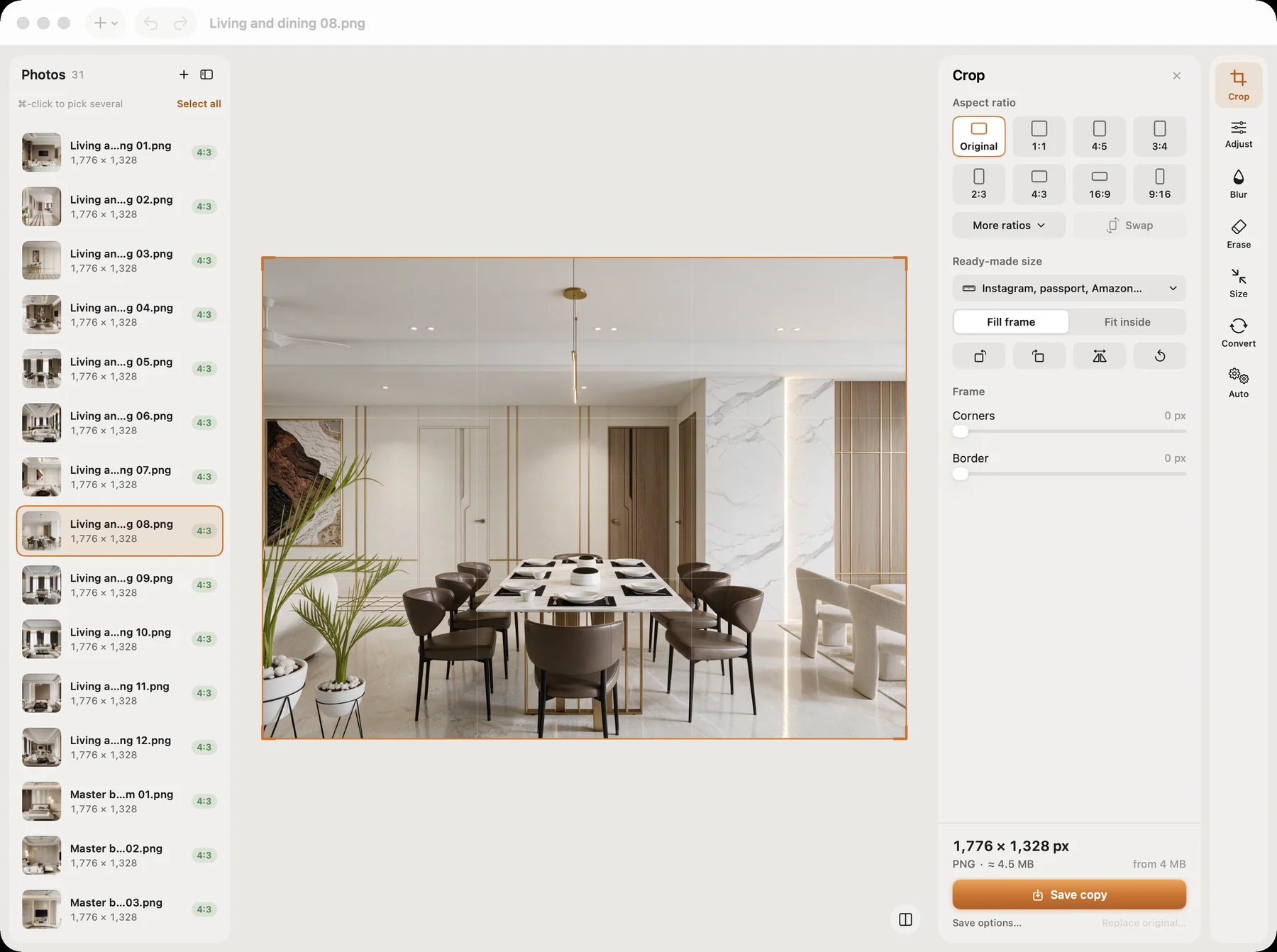
- Ready-made sizes for passport, visa and exam photos, plus signatures (10–20 KB), so you pick the form instead of typing numbers.
- Compress to an exact file size (for example under 100 KB or 20 KB), checked on the real saved file, for online forms with upload limits.
- Works on a whole folder in one go, and never changes your originals: the new copies go into a Pictailor folder next to them.
Two honest notes. Pictailor's 35 × 45 mm passport preset saves at 413 × 531 pixels (300 dpi), so if you want the 600 dpi file described above, use Preview's Adjust Size. And Pictailor can remove backgrounds, but as explained above, don't use that (or any editing beyond cropping and resizing) on a visa photo.
Pictailor is available now from vistaar.studio: $5 for 1 Mac (₹499 in India), paid up front, instant download. It's also on the Mac App Store ($4.99). macOS 15 or later, Apple Silicon and Intel. Meet Pictailor →
FAQ
What is the Schengen visa photo size?
35 mm wide × 45 mm high. The face, chin to crown, should be 32–36 mm (70–80% of the height), centred.
What background does it need?
Plain, light and even, with no pattern or shadows. Germany's checklist for India says white; German guidance also allows light grey. Check your destination's checklist.
How old can the photo be?
Germany's India checklist says six months; the German embassy in Doha says three. A photo from the last three months is safe for both.
Is it the same as an Indian passport-size photo?
Same paper size (3.5 × 4.5 cm), but it has to be recent and biometric with a 32–36 mm face, neutral expression and plain light background. Many old passport-size prints fail on face size.
Can I edit or remove the background?
No. German missions don't accept digitally altered photos. Cropping and resizing are fine; changing the background or retouching isn't.
How many pixels is 35 × 45 mm?
413 × 531 at 300 dpi; 827 × 1063 at 600 dpi. For printing yourself, start from at least 827 × 1063.