Guides › Photo sizes
US passport photo size, and how to make one on a Mac
Updated 18 October 2026 · by Vistaar Studio
Short answer: a US passport photo is 2 × 2 inches (51 × 51 mm), in colour, taken in the last 6 months, with your head 1 to 1⅜ inches tall from chin to top, on a plain white or off-white background, no glasses. For online renewal you upload a JPG, PNG or HEIC file between 54 KB and 10 MB. On a Mac, Preview can crop it square, size it to 600 × 600 pixels and print it at exactly 2 inches.
The rules below come from the State Department's two photo pages: Passport Photos (updated 24 March 2026) and Uploading a Digital Photo for online renewal (updated 4 May 2026). We read both on 18 October 2026. Unacceptable photos are, in the Department's own words, the number one reason applications get put on hold, so it's worth five minutes to get this right.
The rules in one table
| Rule | What the State Department asks for |
|---|---|
| Printed size | 2 × 2 inches (51 × 51 mm) |
| Head size | 1 to 1⅜ inches (25–35 mm), bottom of chin to top of head; hair may go past the edges |
| Colour and age | Colour, taken in the last 6 months |
| Background | Plain white or off-white, no shadows, textures or objects |
| Pose | Face the camera directly, head centred, neutral expression, both eyes open, mouth closed |
| Glasses | Off (a signed doctor's note if you can't remove them for medical reasons) |
| Hats | Off, unless worn for religious or medical reasons with a signed statement; face fully visible |
| Edits | The original photo: no filters, retouching or digital changes |
| Paper photo | Matte or glossy photo-quality paper; no photocopies, scans, creases or red eye |
| Online renewal file | JPG, JPEG, PNG, HEIC or HEIF; 54 KB to 10 MB |
1. Take the photo
Most rejections happen here, not in the editing. Ask someone else to take it with the camera's highest quality setting.
- Stand several feet in front of a plain white or off-white wall. Standing away from the wall stops your shadow landing on it.
- Face a window or soft light so there are no shadows on your face.
- The photographer should stand a few feet away and frame you from the top of your head down to your shoulders, with room to spare. Too close and your head will be too big; too far and it'll be too small once cropped.
- Glasses off, hat off, headphones out, no uniform or camouflage. Jewellery and piercings are fine if they don't hide your face.
- Send the original to your Mac with AirDrop or iCloud Photos, not by text message: the Department warns that messaging can lower the quality.
Important: don't fix the background later with a "remove background" tool. The Department wants the unedited original, and swapping the background counts as a digital change. Cropping and resizing are fine.
2. Crop it square in Preview
- Open the photo in Preview. If it came from your iPhone as HEIC, that's fine; Preview opens it.
- Choose Tools › Rectangular Selection, then hold ⇧ while you drag. Shift keeps the selection perfectly square.
- Place the square so your head is centred left to right, with a little space above your hair, and the bottom edge near where your shoulders meet your arms.
- Check the head size: from chin to top of head should take up between half and about two-thirds of the square's height. (1 inch out of 2 is 50%; 1⅜ inches is about 69%.) Drag the corners to adjust.
- Choose Tools › Crop (⌘ K).
Do this on a copy (File › Duplicate) if you want to keep the uncropped original.
3. Set the size: 600 × 600 pixels
- Choose Tools › Adjust Size.
- Set the units to inches, Width and Height to 2, and Resolution to 300 pixels/inch, with "Scale proportionally" on. That gives 600 × 600 pixels. If your crop is larger, that's fine too: Preview just scales it down.
- Click OK, then File › Export, choose JPEG and drag Quality towards Best.
Check the result before you upload: in the Finder, select the file and press ⌘ I to see its size in KB and its dimensions. Or in Terminal:
sips -g pixelWidth -g pixelHeight passport.jpg
ls -lh passport.jpg
"File too small"? Don't over-compress
Most forms complain that a photo is too big. This one can complain that it's too small: the minimum is 54 KB. We tested a 600 × 600 JPEG of a head-and-shoulders portrait on a plain light background with macOS Tahoe 26.2: at quality 60 it came to about 59 KB, only just above the limit; at 80 about 89 KB; at 95 about 118 KB. Plain backgrounds compress very well, so leave the quality high. Keeping 1,200 × 1,200 pixels instead (about 260 KB at quality 80 in the same test) also works, since the online tool lets you crop.
4. Online renewal: upload the file
If you're renewing online, you don't need to print anything. Save the photo on the Mac you're applying from, then select it or drag it in when the application asks. You can reposition or crop it there, and the photo tool checks the basics before you submit. A person still reviews it later; if there's a problem, you'll get a letter or email asking for a new photo.
Accepted formats are JPG, JPEG, PNG, HEIC and HEIF, so an iPhone photo can go in as it is, as long as it's between 54 KB and 10 MB.
5. Printing a 2 × 2 photo from a Mac
For a paper application you need a real print, not a photocopy or a scan.
- Open the 2 × 2 inch file (from step 3) in Preview and choose File › Print.
- Click Show Details if you need to, pick your photo paper size (for example 4 × 6 in), and set Scale to 100% so it prints at exactly 2 inches, not stretched to fill the page.
- Print on matte or glossy photo paper, measure it with a ruler, and cut carefully along the edges.
If the print shows dots or blur, take the file to a photo shop or pharmacy photo counter instead; they print to the right size for a small fee.
Common reasons photos get rejected
- Head too big or too small: recrop so chin-to-crown is half to two-thirds of the height.
- Shadows on your face or on the wall behind you.
- Blurry, grainy or pixelated, often after sending the photo by text message or enlarging a small crop.
- Glasses, even resting on your head.
- Filters or edits, including beauty modes and background replacement.
- Old photo: it must be from the last 6 months.
Many photos to size? Pictailor (our app)
We make this app, so read this part with that in mind. Preview is all you need for one passport photo. Where Pictailor helps is when you're sizing photos for several forms or several family members at once, or a form wants an exact file size.
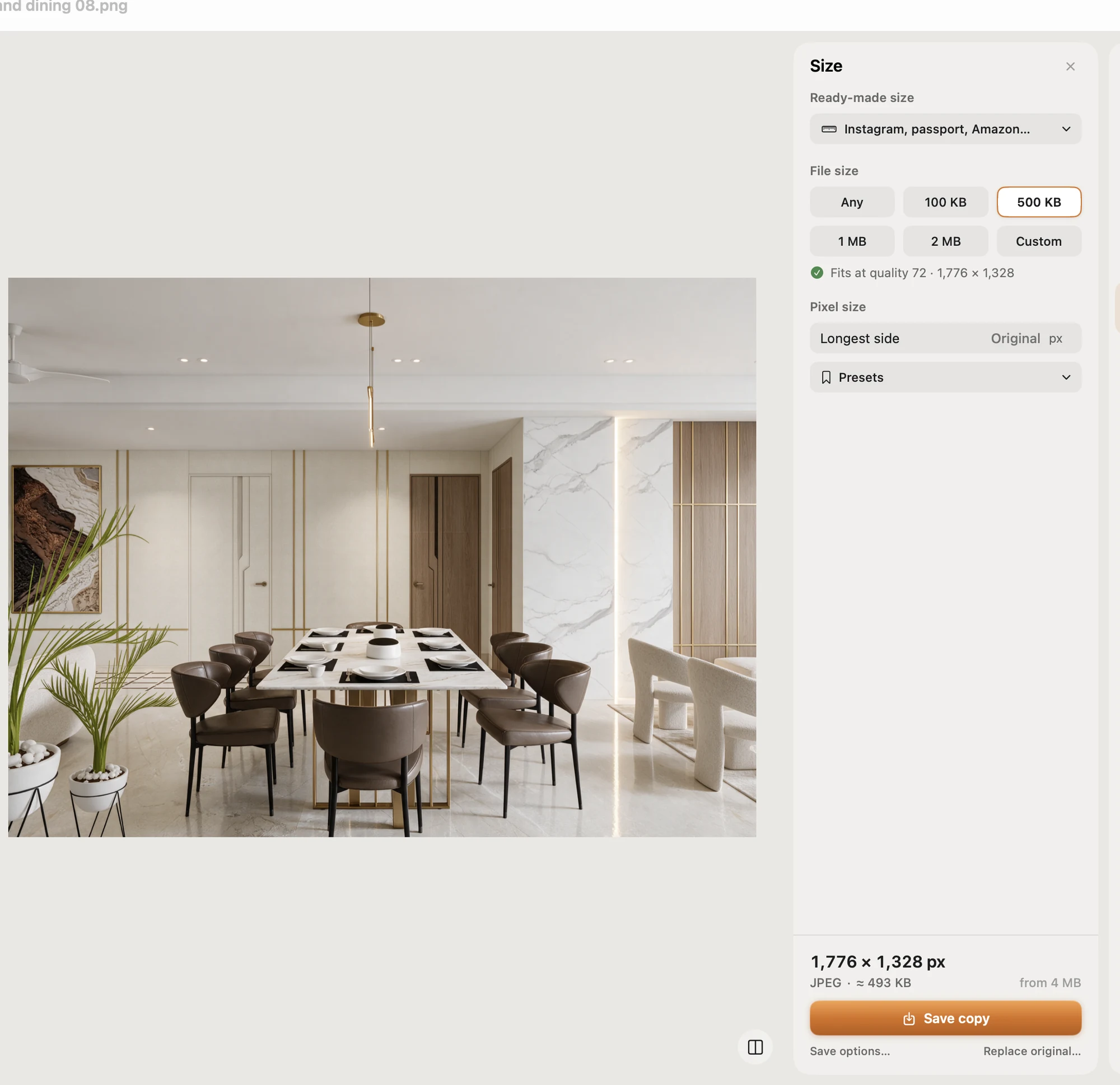
- Ready-made sizes for passport and ID photos for many countries, exam photos and signatures. Check the list in the app for your country's document before relying on it.
- Compress to an exact file size, checked on the real saved file. It never enlarges a photo.
- Batch: resize a whole folder in one Save; originals are never changed.
- Opens and saves JPEG, PNG, HEIC and more.
Pictailor also has a background remover, but as explained above, don't use it (or any app's) on a US passport photo.
Pictailor is available now from vistaar.studio for $5 (₹499 in India), paid up front, with a licence key for 1 Mac. It's also on the Mac App Store for $4.99. It runs on Apple Silicon and Intel Macs with macOS 15 or later. Meet Pictailor →
FAQ
What size is a US passport photo?
2 × 2 inches (51 × 51 mm), with your head 1 to 1⅜ inches (25–35 mm) from chin to top. As a file, 600 × 600 pixels equals 2 inches at 300 dpi.
What file does online passport renewal accept?
JPG, JPEG, PNG, HEIC or HEIF, between 54 KB and 10 MB, in colour and from the last 6 months. You can crop it inside the application.
Can I wear glasses?
No. Take them off and don't rest them on your head. A signed doctor's note is needed if you medically can't.
Can I change the background with an app?
No. The photo must be the unedited original. Use a plain white or off-white wall instead. Cropping and resizing are fine.
Can I print a passport photo at home?
Yes, on matte or glossy photo paper at exactly 2 × 2 inches, sharp and without printer dots. Photocopies and scans aren't accepted.
Why is my file "too small" to upload?
The minimum is 54 KB. Export again at a higher JPEG quality, or keep more pixels (for example 1,200 × 1,200).