Guides › Photo sizes
UK passport photo size in pixels, and how to check yours on a Mac
Updated 19 October 2026 · by Vistaar Studio
Short answer: for an online UK passport application the digital photo must be at least 600 × 750 pixels and between 50 KB and 10 MB, in colour, taken in the last month, against a plain light-coloured background, and not cropped or edited (the service crops it for you). A printed photo is 45 × 35 mm. On a Mac you only need to check the pixels and file size, and maybe turn an iPhone HEIC into a JPEG.
That's the surprise for most people who come looking for a "resize" tutorial: for the UK online service you shouldn't trim the photo down to a passport shape at all. The rules below are from GOV.UK's two photo pages, one for digital photos and one for printed photos, which we read on 19 October 2026. Everything else here is about getting the right file out of your phone and into the form without tripping the size checks.
The rules in one table
| Rule | Digital photo (online application) | Printed photo (paper form) |
|---|---|---|
| Size | At least 600 px wide × 750 px tall | 45 mm high × 35 mm wide, not cut down from a bigger print |
| File size | 50 KB to 10 MB | n/a |
| Framing | Head, shoulders and upper body. Don't crop: the service does it | Close-up of full head and upper shoulders; crown to chin 29–34 mm |
| Background | Plain, light-coloured, clear contrast | Plain cream or light grey |
| Expression | Facing forward, looking at the camera, neutral, mouth closed, eyes open and visible | Same |
| Glasses | Avoid if you can; never sunglasses or tinted lenses; no glare or frames over the eyes | Same |
| Head coverings | Only for religious or medical reasons | Same |
| Edits | Unaltered by computer software | Same; no creases or tears |
| Age | Taken in the last month | Same |
| How many | One | Two identical, printed professionally in colour on plain white photo paper, no border |
1. Take the photo (or get a photo code)
GOV.UK gives you two routes. You can get a photo from a booth or shop that gives you a photo code, which you type into the application, or take one on your own device. GOV.UK notes that booth and shop photos are more likely to be approved, and that if you use your own phone you need someone to help you take it, so no selfies at arm's length.
If you take it yourself:
- Stand in front of a plain light wall, with no shadows on your face or behind you. Daylight from a window in front of you works well.
- Have your helper hold the phone at your eye level, far enough away to get your head, shoulders and upper body in.
- Hair off your eyes, glasses off if you can, neutral face, mouth closed.
- Don't use portrait mode, beauty filters or background blur. Those count as edits.
Then get the photo onto your Mac with AirDrop, iCloud Photos or a cable. Use the original from the camera, not a screenshot of it and not a copy sent through a messaging app, which may shrink it.
2. Check the pixel size and file size
You don't need to change anything if the photo already meets the minimum, and a photo from any recent phone easily does. To check:
- Open the photo in Preview and choose Tools › Show Inspector (⌘ I). The General tab shows the image size in pixels and the file size.
- Or select the file in the Finder and press ⌘ I (Get Info). Size shows the file size; More Info shows the dimensions.
You want at least 600 × 750 and somewhere between 50 KB and 10 MB. A typical phone photo is a few thousand pixels on each side and 1–5 MB, comfortably inside both limits.
3. Turn an iPhone HEIC into a JPEG
iPhones save photos as HEIC by default. GOV.UK's photo pages don't name a file format, so we'd send a JPEG, the format everything accepts. Converting doesn't alter the picture itself:
- Open the HEIC in Preview and choose File › Export.
- Set Format to JPEG, leave Quality near the top (Best or close to it) and click Save.
Or Control-click the file in the Finder and choose Quick Actions › Convert Image, pick JPEG and Actual Size. Our HEIC to JPG guide has the other ways, including how to make your iPhone save JPEGs in the first place.
4. If the file is too big or too small
Too big (over 10 MB). Rare for a single phone photo, but some cameras and ProRAW files go over. In Preview, choose File › Export, pick JPEG and lower the Quality slider a little; Preview shows the resulting file size as you drag. Keep the pixel size; you only need to drop below 10 MB.
Too small (under 50 KB). This catches people who resized the photo themselves first. A portrait against a plain wall compresses very well, so a small image can fall under the floor. We tested it on this Mac with a 600 × 750 portrait on a plain light-grey background:
| Size | JPEG quality | File size |
|---|---|---|
| 600 × 750 | 50 | ≈ 50 KB (right at the minimum) |
| 600 × 750 | 60 | ≈ 74 KB |
| 600 × 750 | 80 | ≈ 92 KB |
| 1200 × 1500 | 80 | ≈ 278 KB |
The fix is to go back to the original from your phone instead of the shrunken copy. If that's gone, export again at a higher quality. Never enlarge a small photo to hit 600 × 750; it gets blurry, and blurry photos get rejected.
If you like the Terminal, sips reports both numbers in one go:
sips -g pixelWidth -g pixelHeight photo.jpg
ls -lh photo.jpg
5. Printed photos for a paper form
For a paper application GOV.UK wants two identical photos, printed professionally in colour on plain white photo paper, 45 × 35 mm, not cut down from a larger picture. So this is a job for a photo booth or a shop, not your inkjet and a pair of scissors. A shop can print from a file you bring, which should be a good, uncropped original with your head nicely centred and plenty of room around it.
Keep the photos loose (don't staple or glue them to the form), and leave them unmarked unless one needs countersigning.
Common reasons photos get rejected
- Shadows on the face or on the wall behind.
- Hair over the eyes, glare on glasses, or tinted lenses.
- A smile with an open mouth, or head tilted.
- A filter, portrait-mode blur or a replaced background.
- Cropped too tight (online) or a print cut down from a bigger photo (paper).
- Taken more than a month ago, or reused from your last passport.
Children have a few relaxed rules: under-6s don't have to look straight at the camera or keep a neutral face, and babies under one don't need open eyes. They must be alone in the photo, with no toys or dummies, and a baby can lie on a plain light sheet photographed from above.
Sizing photos for many forms? Pictailor (our app)
We make this app, so read this part with that in mind. For a UK passport you don't need any app: Preview can check and convert the photo, and you mustn't crop or edit it anyway. Pictailor is for the other forms in life, the ones that do want an exact size or file limit: visa portals, exam forms, signatures, ID cards, shop listings.
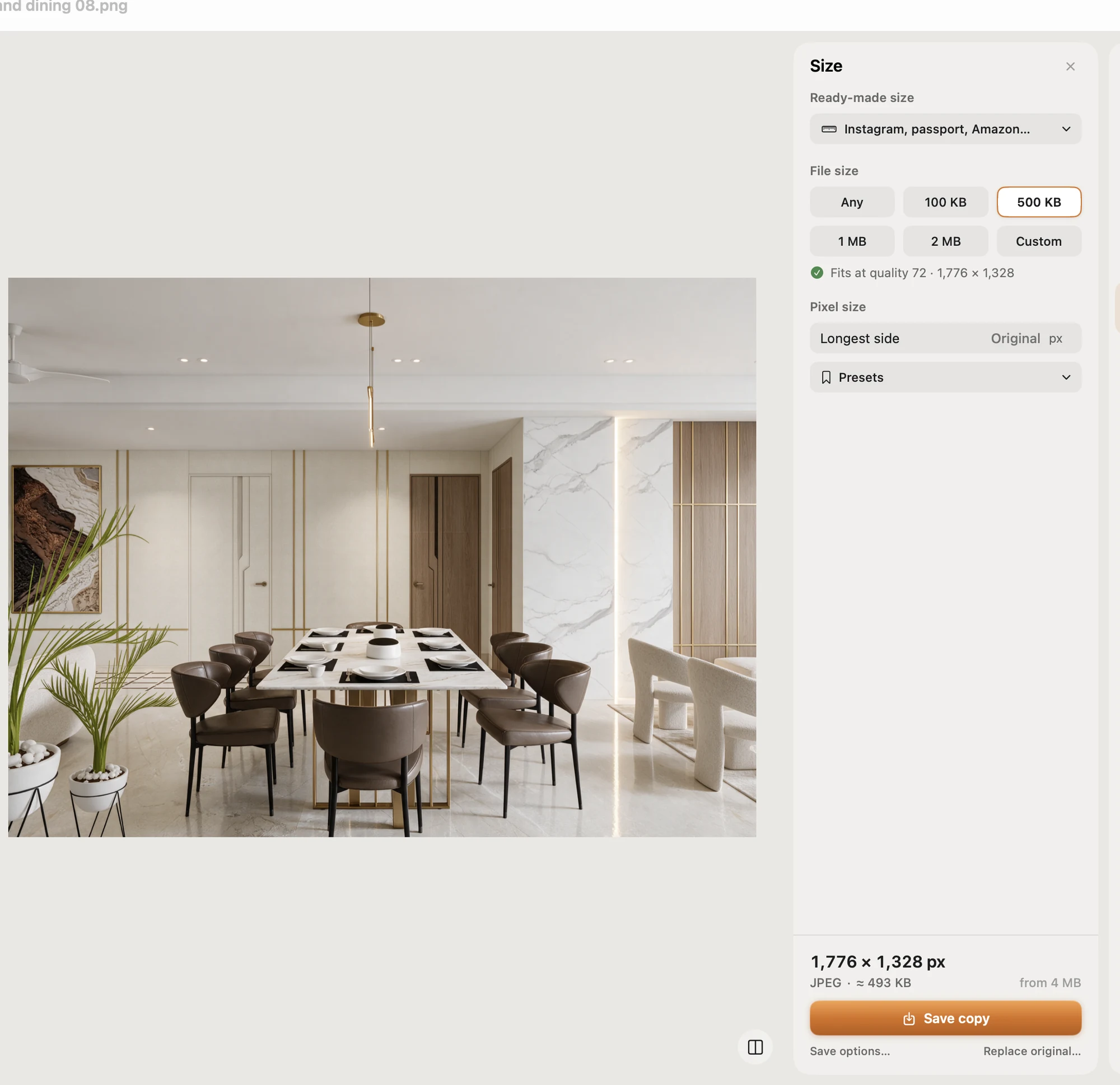
- Compress to an exact file size, checked on the real saved file. It never enlarges a photo.
- Ready-made sizes for passport and ID photos for many countries, exam photos and signatures. Check the list in the app for your document before relying on it.
- Batch: resize a whole folder in one Save; originals are never changed.
- Opens and saves JPEG, PNG, HEIC and more, and works from the Finder's right-click menu.
Pictailor also removes backgrounds, but a UK passport photo has to be unaltered, so don't use that (or any app's background tool) here.
Pictailor is available now from vistaar.studio for $5 (₹499 in India), paid up front, with a licence key for 1 Mac. It's also on the Mac App Store for $4.99. It runs on Apple Silicon and Intel Macs with macOS 15 or later. Meet Pictailor →
FAQ
What size is a UK digital passport photo in pixels?
At least 600 pixels wide and 750 tall, and 50 KB to 10 MB. It's a minimum, so a bigger photo straight from your phone is fine.
Should I crop it before uploading?
No. GOV.UK says not to crop it; the service does that. Include your head, shoulders and upper body.
Can I edit it or change the background?
No. The photo must be unaltered by software. Retake it against a plain light wall. Converting HEIC to JPEG or checking the size doesn't change the picture.
What size is a printed UK passport photo?
45 mm high by 35 mm wide, 29–34 mm from crown to chin. Paper forms need two identical, professionally printed photos on a plain cream or light grey background.
How old can the photo be?
Taken in the last month. You need a new one for every new passport.
Why does it say my file is too small?
The minimum is 50 KB, and a small portrait on a plain wall can come in under it (about 50 KB at 600 × 750, quality 50, in our test). Use the original photo or export at a higher quality.